
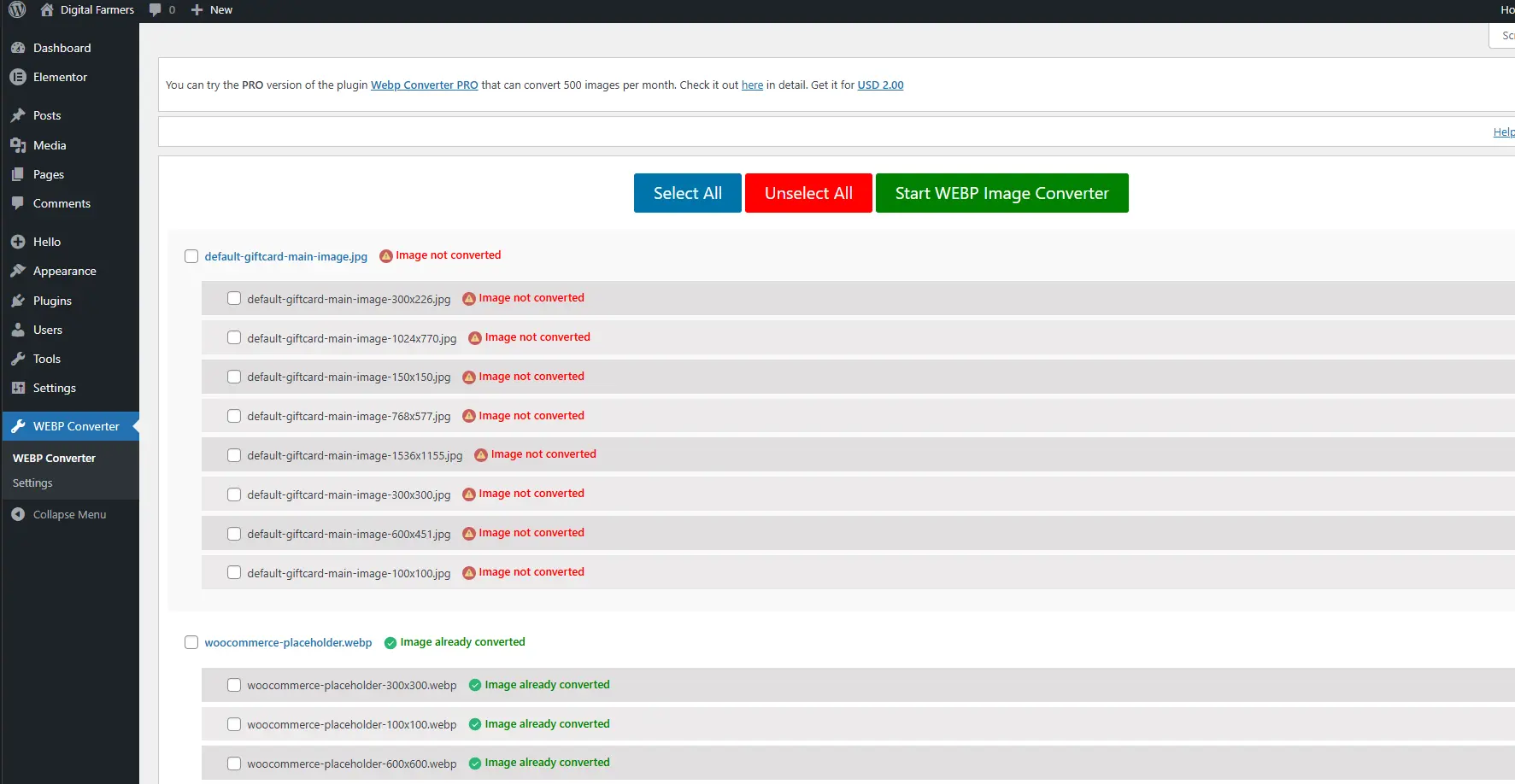
AutoWebP is a lightweight WordPress plugin that automatically converts uploaded images into modern WebP format to dramatically improve website speed and performance.
If you want faster loading pages, better Core Web Vitals, and improved SEO without manually optimizing images — AutoWebP makes it effortless.
Why Use AutoWebP?
Modern browsers support WebP images which are significantly smaller than traditional formats like JPG and PNG.
By automatically converting images to WebP, your website benefits from:
✔ Faster page loading
✔ Reduced bandwidth usage
✔ Improved Google PageSpeed scores
✔ Better SEO performance
✔ Improved Core Web Vitals
And the best part — everything runs automatically in the background.
Key Features
Automatic WebP Conversion
Every image uploaded to WordPress is automatically converted into WebP format without requiring manual optimization.
Lightweight & Fast
AutoWebP is designed to be extremely lightweight with minimal server impact.
No Complex Configuration
Install, activate, and the plugin starts optimizing images immediately.
Compatible with Most Themes
Works with most WordPress themes and page builders.
SEO Friendly
Smaller images mean faster load times, which improves your search rankings.
How It Works
- Install and activate the plugin.
- Upload images normally in WordPress.
- AutoWebP automatically generates optimized WebP versions.
- Your website loads the optimized images for supported browsers.
No manual steps required.
Performance Benefits
WebP images are typically 25–40% smaller than traditional formats.
This means:
- Faster page load time
- Better user experience
- Higher PageSpeed scores
- Lower server bandwidth usage
For image-heavy websites like blogs, eCommerce stores, and portfolios, this can make a huge difference.
Perfect For
AutoWebP is ideal for:
- WordPress blogs
- WooCommerce stores
- Portfolio websites
- News websites
- Image-heavy websites
Anyone who wants a faster website without complicated optimization setups.
Installation
- Download the plugin.
- Upload it to your WordPress plugins directory.
- Activate the plugin.
- Done — WebP optimization starts automatically.